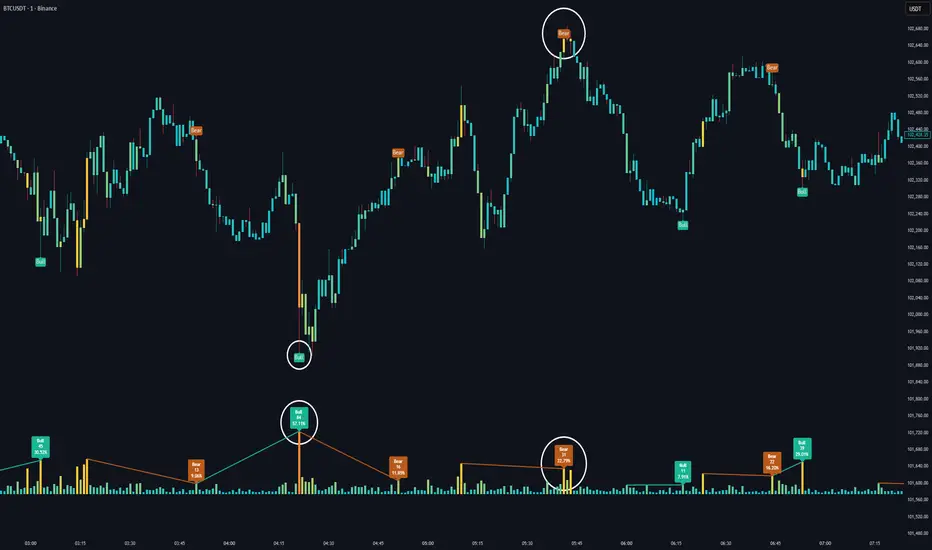
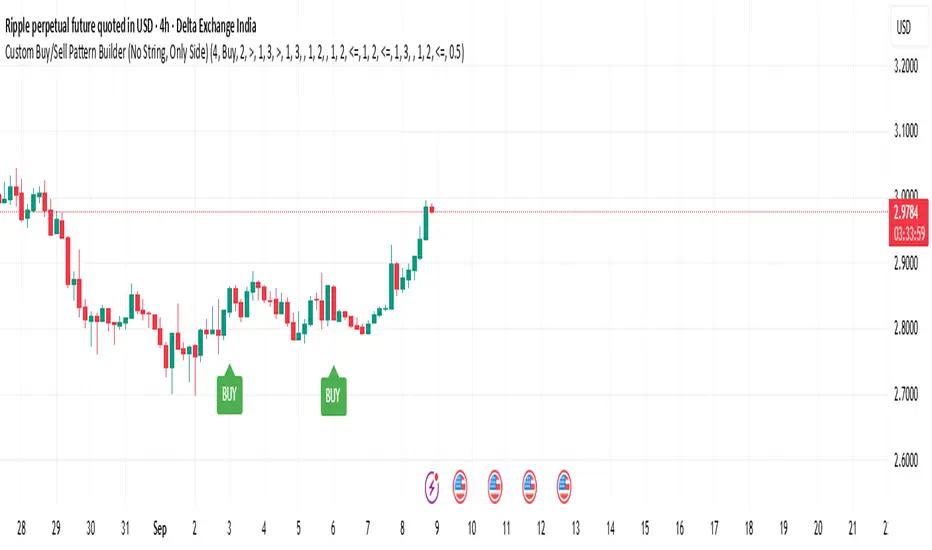
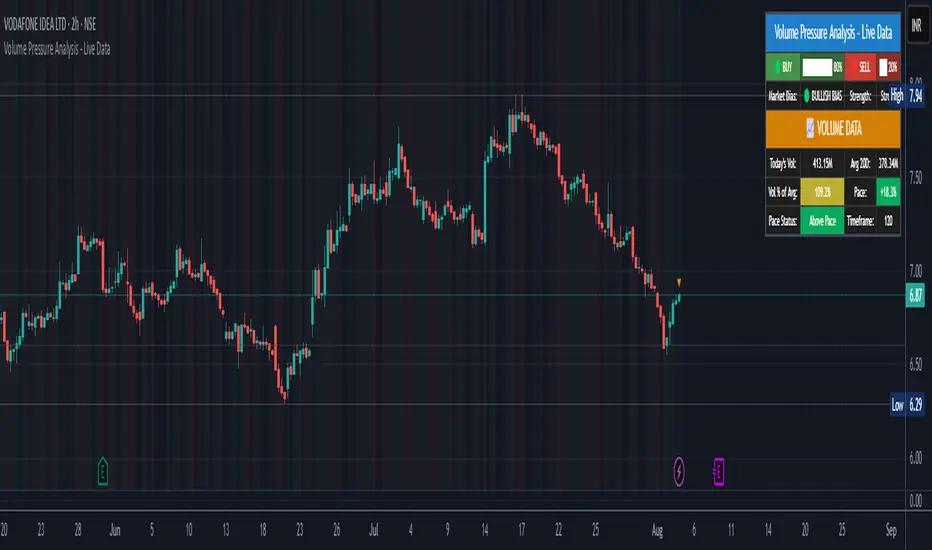
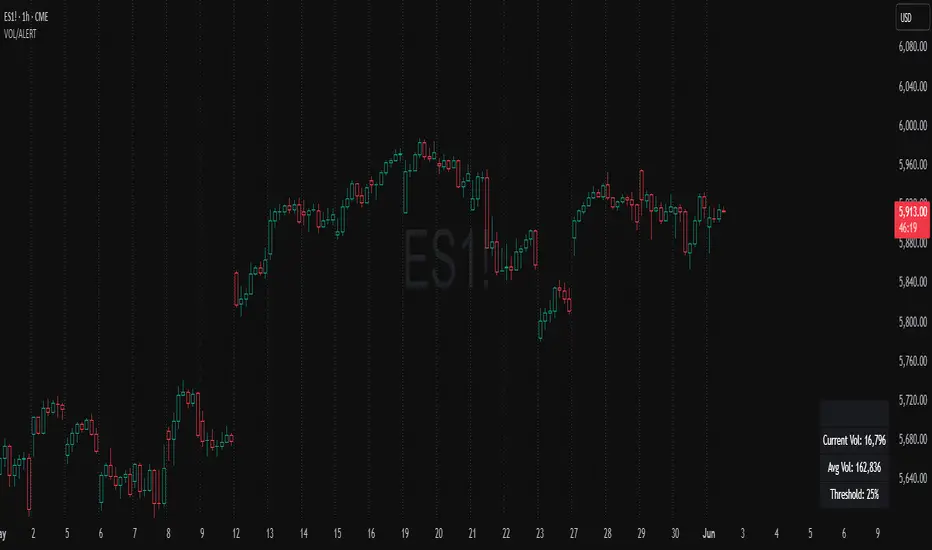
Net Volume (BV-SV) Per Bar / Rolling Toggle (V6) - TP## Net Volume (BV-SV) – Per Bar / Rolling Toggle
This indicator estimates whether a bar (candle) had **more buying pressure or selling pressure**, using only the candle’s **high, low, and close** plus the bar’s **volume**.
It plots:
* **Per-bar Net Volume** (raw, bar-by-bar pressure)
* **Rolling Net Volume** (pressure summed over your chosen lookback, e.g., 20 bars)
* Or **Both**, depending on your Plot Mode.
A **zero line** is included as the “balance point”:
* Above zero = net buying pressure
* Below zero = net selling pressure
---
## How the calculation works (simple explanation)
TradingView does not provide true “buy volume vs sell volume” from the tape for stocks, so this script uses a common estimate:
* If the candle **closes near the high**, it assumes more of the day’s volume was “buying pressure.”
* If the candle **closes near the low**, it assumes more was “selling pressure.”
* If the candle **closes near the middle**, it assumes buying and selling were more balanced.
### Estimated volumes
* **BV (Buy Volume estimate)** = portion of volume attributed to buyers
* **SV (Sell Volume estimate)** = portion of volume attributed to sellers
### Net Volume
* **Net Volume = BV − SV**
* Positive = net buying pressure
* Negative = net selling pressure
### Rolling Net (optional)
Rolling Net simply **adds up Net Volume** over the last *N* bars (lookback):
* Helps you see the *bigger picture* and reduce noise.
---
## How to use it (practical)
### 1) Per-bar Net (most “raw” view)
Use this when you want to see **immediate pressure** each bar.
* **Green / positive** bars/line = buyers controlled that bar
* **Red / negative** bars/line = sellers controlled that bar
* Frequent flips are normal in choppy markets
**Good for:**
* spotting sudden demand/supply spikes
* confirming breakout candles (net turning strongly positive)
* confirming breakdown candles (net turning strongly negative)
### 2) Rolling Net (smoother, trend/flow view)
Use this when you want to know whether the last *N* bars overall show **accumulation or distribution**.
* Staying above zero = buyers dominating over the lookback
* Staying below zero = sellers dominating over the lookback
* Crossing zero = possible shift in control (buyers↔sellers) over that window
**Good for:**
* trend confirmation
* filtering trades (avoid longs when rolling net is deeply negative, etc.)
* spotting transitions after consolidation
### 3) Both (best for confirmation)
Use Both when you want:
* the **rolling line** for overall bias
* the **per-bar line** for timing entries/exits
Example logic:
* Rolling Net above 0 + Per-bar Net flips positive → stronger long confirmation
* Rolling Net below 0 + Per-bar Net flips negative → stronger short/sell confirmation
---
## Inputs / Settings
* **Plot Mode**
* Per-bar Net: raw net volume each bar
* Rolling Net (Σ): summed net over your lookback
* Both: show both lines together
* **Rolling Lookback**
* Default 20 bars (change based on your timeframe)
* **Line Style / Color Options**
* You can color by buy/sell state or pick manual colors and line styles
* **Last-bar Callout**
* Shows the latest values (BV, SV, Net, and/or Rolling Net)
---
## Important notes (limitations)
* This is an **estimate**, not true exchange “buy volume vs sell volume.”
* It works best as a **confirmation tool** alongside price action, trend, and key levels.
* In sideways markets, zero crossings can happen often (whipsaw is normal).
Indicador Pine Script®